Test mode. signal.php isn’t reachable here, so calls only connect between tabs of this browser. Upload the site to PHP hosting and links work for anyone, anywhere.
Links ready for {{ cur.title }}
Send each person their own link, privately. Whoever holds a link joins as that person.
{{ l.init }}
{{ l.name }} · {{ l.role }}{{ l.url }}
REMOTE PODCAST STUDIO
Record like you’re {{ word }}
Send everyone a link. Each camera records in full quality on its own computer, then the files fly straight to yours, already synced. Your Wi-Fi can wobble. Your recording won’t.
No accounts
Nothing to install
Up to 4K per person
Backstage · Ep. 12
REC {{ recTime }}
End take
AN
Ana is in the green room
Admit
mara_take1.webm
Arriving on your computer · 1.8 GB
THE PROBLEM
Meeting apps record the call. We record the people.
A call squeezes every camera through the internet, and whatever survives is what gets saved. FramePod saves the original, on the spot, before the internet touches it.
 Reconnecting…
360p · 1 mixed file
Reconnecting…
360p · 1 mixed file
Recorded from the call
Squashed down to whatever the connection allowed that minute
Freezes and robot voices baked in forever
Everyone mixed into one file. Good luck cutting it.
 Recording on Dev’s laptop
4K · 1 file per person
Recording on Dev’s laptop
4K · 1 file per person
Recorded with FramePod
Every camera at 720p, 1080p or 4K, saved right where it’s filmed
Wi-Fi hiccups affect the chat, never the recording
A clean file for each person, lined up and ready to edit
HOW IT WORKS
Four steps. About one coffee.
01
Make the links
Name the episode, add your people. Everyone gets their own private link. Nobody signs up.
02
Green room
Guests check their camera and mic, then wait. You let them on stage when you’re ready.
03
Hit record
Start and stop takes, drop markers on the good bits, run a sync clap. All from backstage.
04
Files come home
When the take ends, every recording lands in a folder on your computer, with sync info attached.
SYNC CLAP
One clap. Every track lines up.
Backstage counts everyone down, they clap together, and FramePod uses that spike to line up every camera. Give it a go.
{{ clapState }}
{{ countNum }}
{{ r.name }}
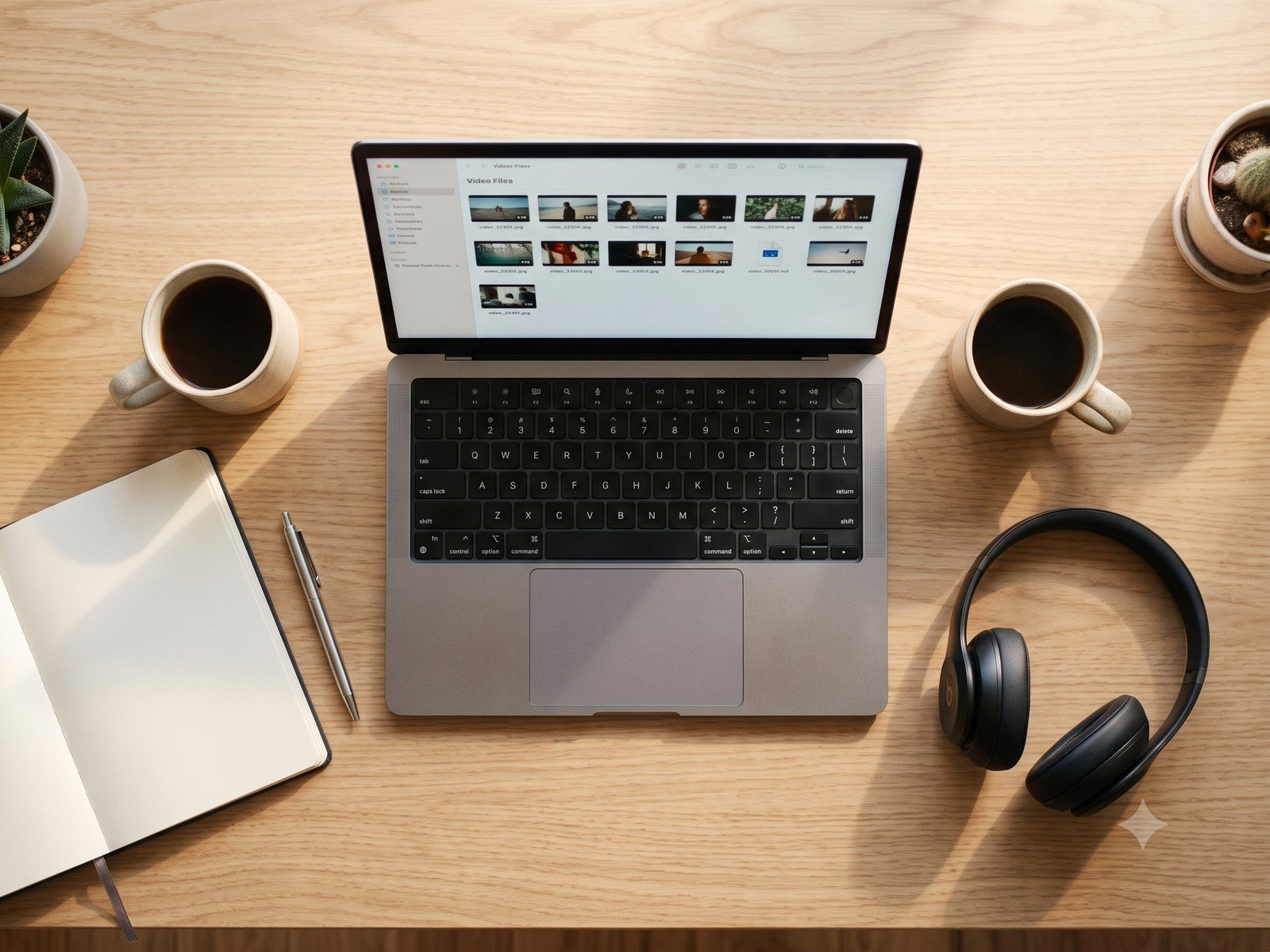
~/Podcasts/Ep 12 · Modernizing .NET/
{{ x.name }}{{ x.size }}
STRAIGHT TO YOU
Files land on your desk. Not on someone’s cloud.
Computer to computerRecordings go directly from each guest to you. We never hold your footage.
Picks up where it left offIf a transfer gets cut off, it carries on from the same spot once you’re back.
Labelled and tidyEvery file is named by person and take, with show notes and markers alongside.
THE EDITOR
Open the editor
Then cut it like a live show.
Open the folder and press a number to switch cameras. Try it: tap the keys, or press 1, 2, 3 and 0 on your keyboard.
{{ toast }}